← Semua panduanJentra Clinic · Panduan 1
Cara menambah kakitangan
Anda memasukkan nama dan nombor telefon doktor. Kemudian anda menyimpan profilnya.
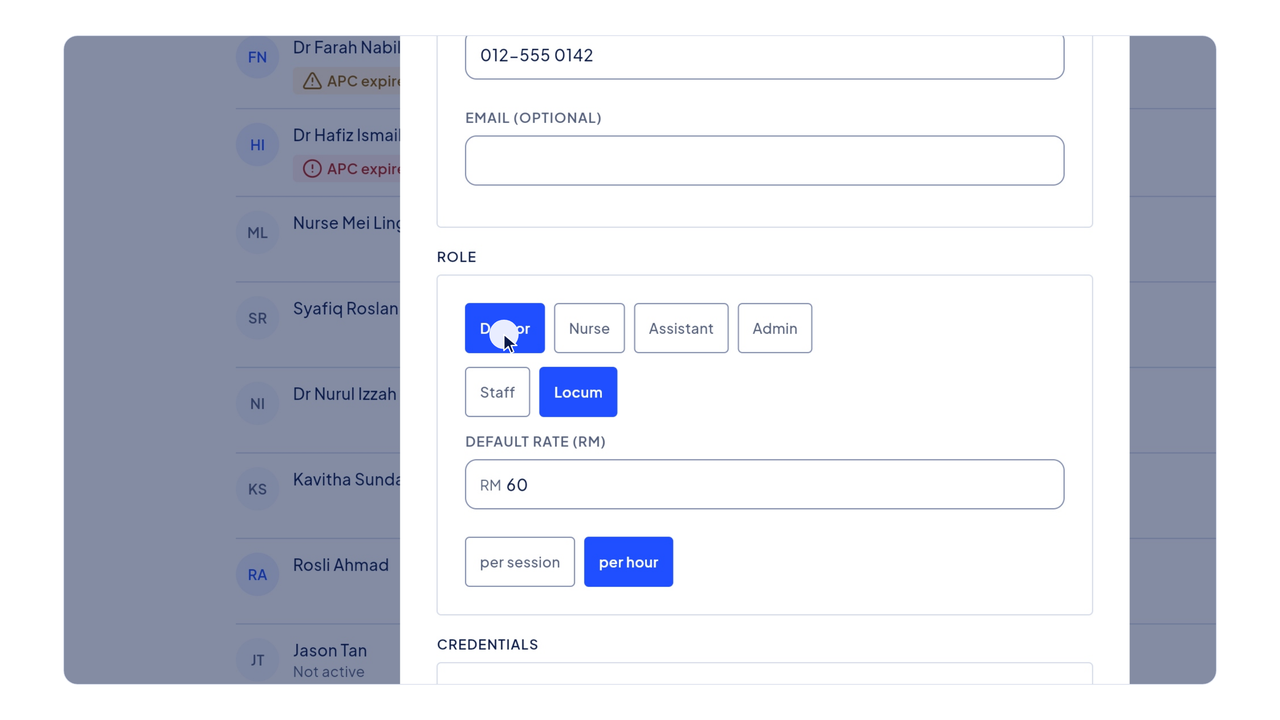
Video ini dimainkan daripada YouTube apabila anda menekan butang main. YouTube tidak menyimpan kuki sebelum itu. Sari kata disediakan dalam bahasa Inggeris.
Langkah-langkahnya
Video dan langkah-langkah ini dalam bahasa Inggeris.
- Click People in the menu on the left.
- The list shows your staff and locums. A warning shows when an APC or indemnity is about to expire.
- Click Add person.
- A name and a phone number are enough to roster someone.
- Type the doctor's name.
- Then type their phone number.
- Choose their role, and whether they are staff or a locum.
- Scroll down and choose the clinics they work at.
- Then click Save.
- The new doctor is now on the list, ready for the roster.