← All guidesJentra Clinic · Guide 1
Add your staff
You add a doctor's name and phone number. Then you save their profile.
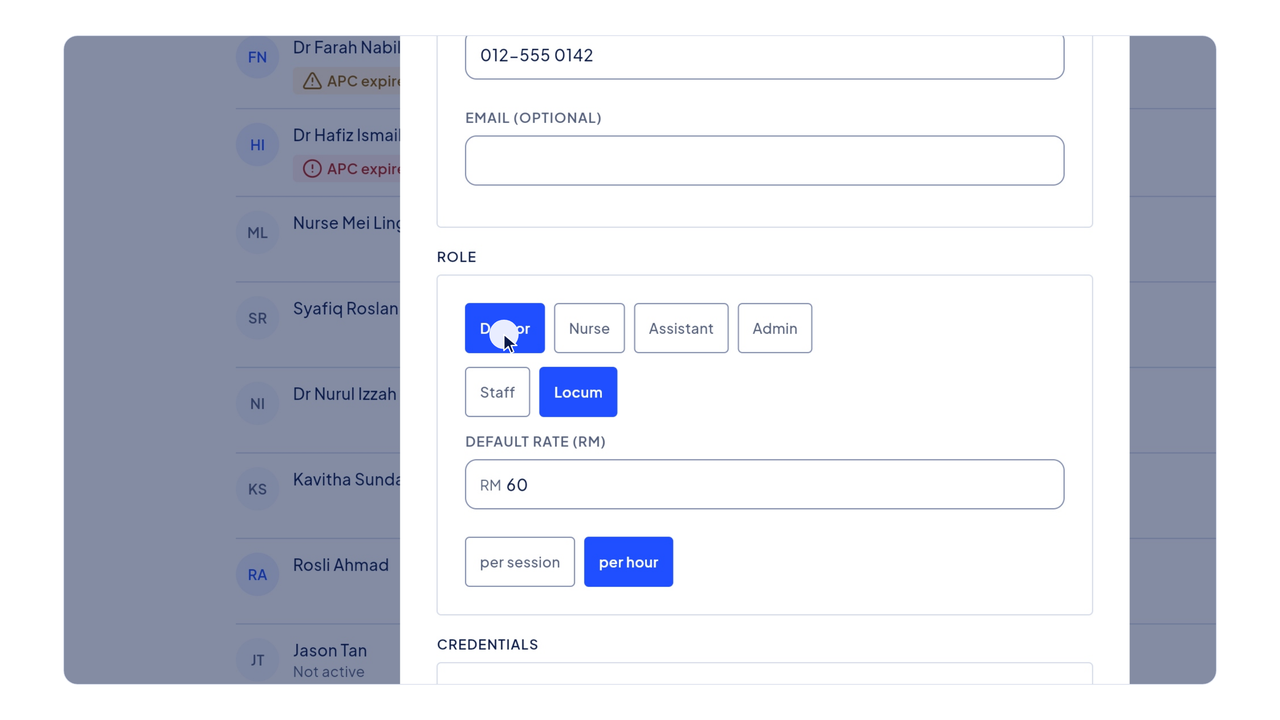
The video plays from YouTube when you press play. YouTube sets no cookie before that. Subtitles are in English.
The steps
- Click People in the menu on the left.
- The list shows your staff and locums. A warning shows when an APC or indemnity is about to expire.
- Click Add person.
- A name and a phone number are enough to roster someone.
- Type the doctor's name.
- Then type their phone number.
- Choose their role, and whether they are staff or a locum.
- Scroll down and choose the clinics they work at.
- Then click Save.
- The new doctor is now on the list, ready for the roster.