← All guidesJentra Clinic · Guide 3
Fill a gap with a locum link
You share open shifts in Jentra Clinic as one link. Then you confirm the locum who asks for a shift.
The video plays from YouTube when you press play. YouTube sets no cookie before that. Subtitles are in English.
The steps
- Open Roster, choose Bangi and go to next week.
- Click the empty seat on Tuesday from 6 to 10 pm. This seat needs a locum.
- Click Find a locum. The page lists locums who can work, with a WhatsApp message ready for each.
- To reach more locums, click Share open shifts. The list ticks the shifts that need a locum.
- Tick any other open seat you want to offer too. Then click Make the link.
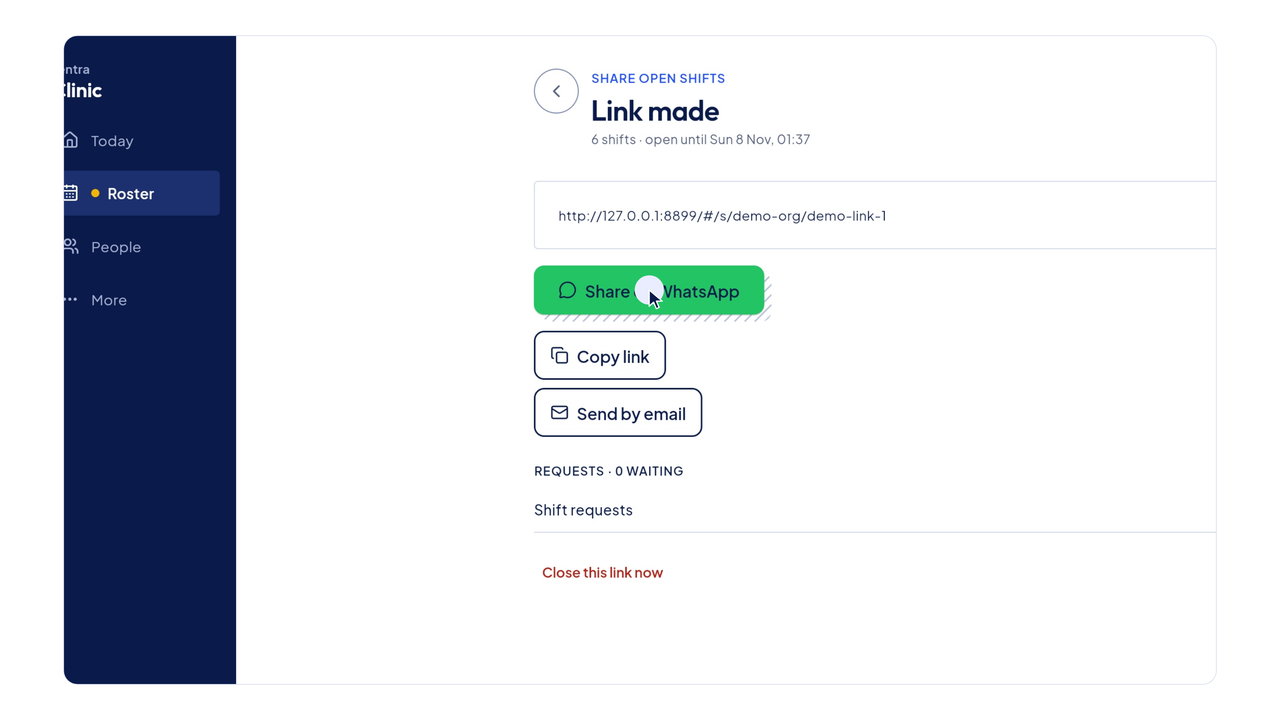
- Send the link by WhatsApp, copy it, or send it by email.
- A locum who opens the link sees the open shifts and picks one.
- They enter their name, phone and MMC number, then send the request.
- Back in Jentra Clinic, the request shows on Today. Click Decide.
- The request shows whether the locum is already in People, and when their APC runs out.
- Click Confirm. Jentra Clinic puts them on the shift and opens WhatsApp so you can tell them.